01
Connect the device
Link a prepared device to your account, then pair it with your phone over Bluetooth.
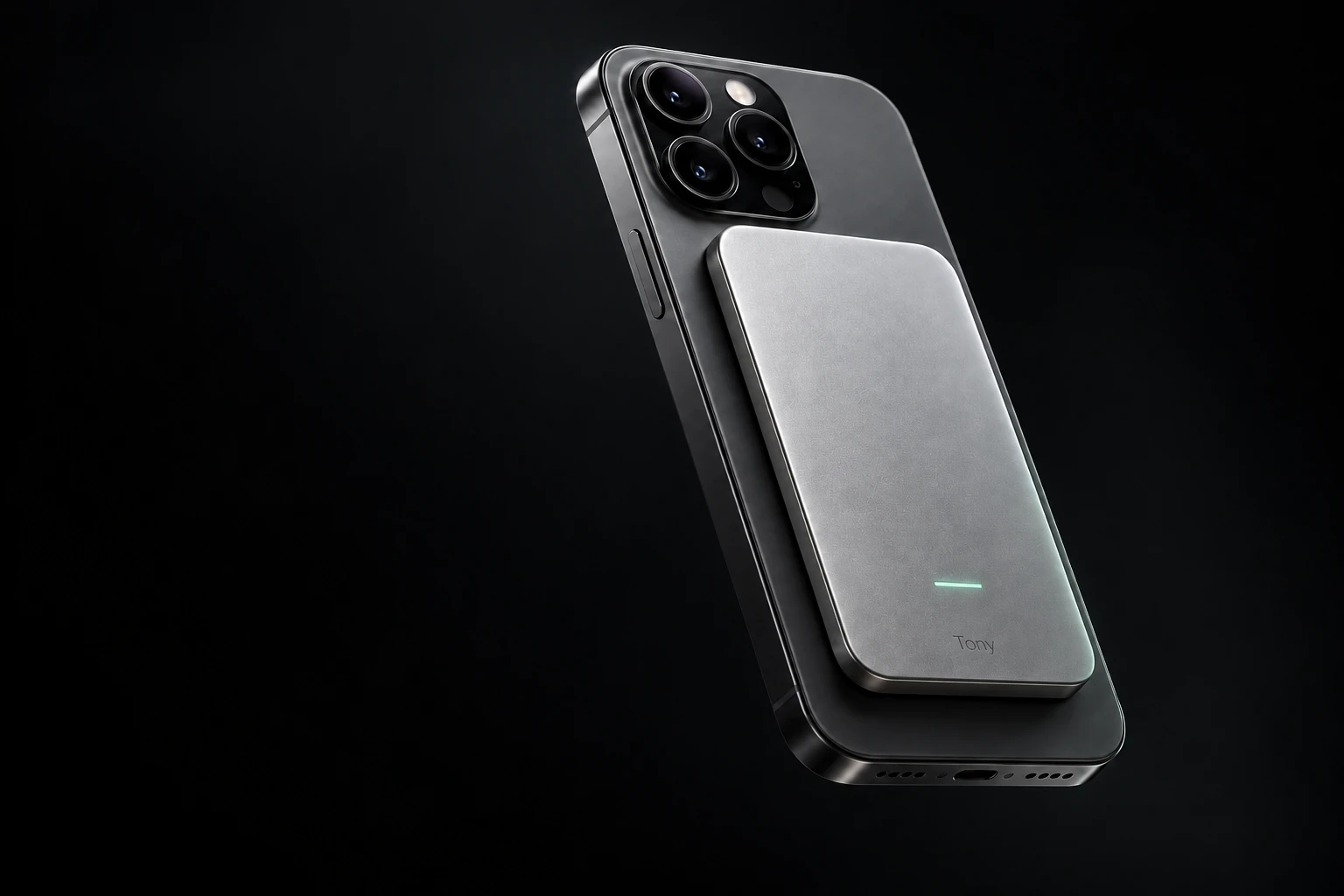
Hand off a call. Prepare for a meeting. Keep the decisions and the work moving, with an AI companion that remembers your projects.
Planned price: $149 · Free waitlist
Early testing · 100 participants
We're putting together our first group of 100 testers. Tell us what you would use Tony for. We'll get in touch to learn about your needs and invite participants as testing opens.
Joining the waitlist is free. No card or purchase commitment.
Your second brain, in the real world
A client, a renovation, a new product. Give each its own project: the materials, conversations, decisions and next steps stay together. Tony can pick up where you left off.
What is still open with Alpha?
The budget is $1,500. The proposal review is on Friday. Delivery timing is still open; ask about it in the next call.
What stays with you
Keep the brief, files, notes and tasks in one project. Return tomorrow and continue the conversation with its history in place.
I want to try TonyThese are interactive examples based on prototype workflows. They do not access your files or make a live call.
Link a prepared device to your account, then pair it with your phone over Bluetooth.
Create a project and add its brief, materials and tasks in the browser app.
Prepare for a call, ask for help during it, then return to the same project for the next step.
Today’s pilot uses a browser app and a device-linking code. One-scan QR setup and App Store / Google Play apps are planned for a later release.
We are testing prepared devices and a browser app with a small group. Google Meet has been tested on one Android setup; other phones and call apps still need verification.
Meet the Tony device concept and explore calls, appointments, quotes, deliveries and follow-through.
Concept film · Illustrative scenarios · Hardware design concept
Getting a simple answer shouldn’t mean giving up your afternoon. Give Tony the task, and let it handle the conversation.
Pick a situation. Change the brief. Watch a sample conversation turn into a useful result.
Start the demo to see Tony work through your brief.
Scripted examples with fictional providers, prices, and availability. No live calls, bookings, or messages are made here.
We’re building Tony to pull out decisions, prepare follow-ups, and keep the context. So the useful part comes to you.
Let’s review the proposal on Friday. Could someone draft the update before then? Make sure we approve it before it goes out, and keep the original scope in mind.
A draft to review, with the conversation in context.
Illustrative meeting workflow. Follow-through features are in development.
Check two appointment times. Decide before anything gets booked.
Simulated phone demoAsk about labour, the visit fee, and what still needs confirming.
Simulated phone demoCompare a new window and its fee before approving a change.
Simulated phone demoHand off the hold music, the questions, and the back-and-forth.
Concept filmTurn what was said into decisions, drafts, and next steps.
Concept filmAsk for an installation quote in chat. Tony calls through the paired phone and returns the details to the same conversation.
Edited screen recording, 1:43. Dialogue is revoiced with synthetic voices from the call transcript. The recipient was the founder’s test agent. The quote is an example, not a verified commercial offer. Recorded before the Tony rename; the original prototype interface may show its former name.
Original demonstration in English
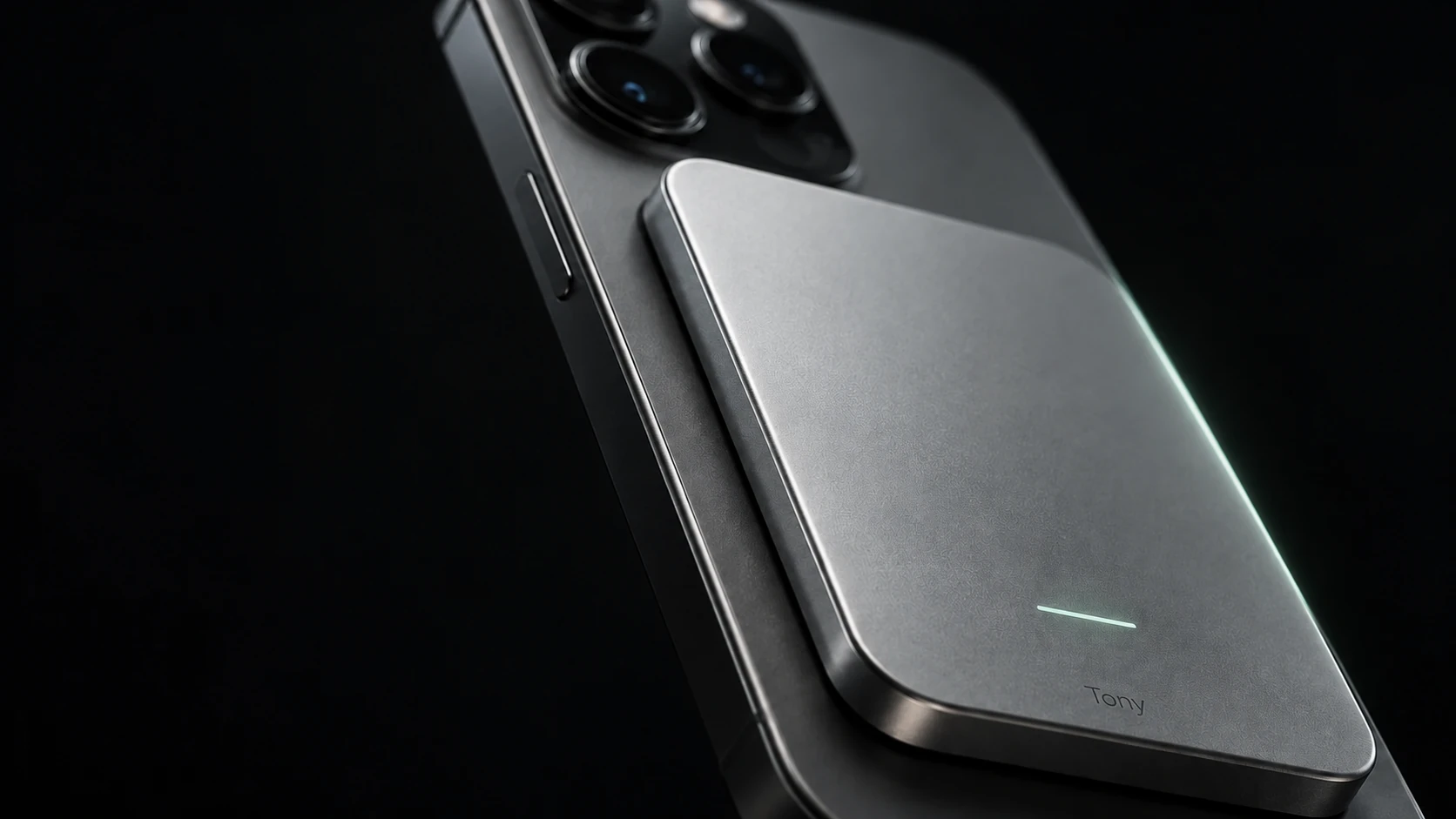
A dedicated AI companion. Your familiar phone. The magnetic design keeps Tony with you, without another screen to manage.